


Halation that blooms like film. Drag the slider.
Chromogen · film emulation software for Windows and macOS
Free 4-day trial · all 13 stocks · no credit card
Windows · macOS · we'll email your download link

7 apps in one68 releases since July13 film stocks measured from real film round trip
The library
Each measured from real film, never eyeballed. See how a stock is built →


 Sample coming soon
The darkroom
Grain, halation, light leaks and pre-exposed film. Modeled on how the emulsion behaves, not stacked on as filters.
Halation that blooms like film. Drag the slider.


Frame it like a real negative. Scan edge, 35mm strip or medium format.


Grain that belongs to the film. Not a flat noise layer.


Light leaks that fog and burn like film. Edge fog, corner glow, frame burn, full veil and six more.


Shapes pre-exposed onto the film. Hearts, a garden, pixel art or your own words, glowing in the shadows.
Convinced? Try it on your own photos, free →
Exposure response
A preset freezes one exposure. A Chromogen stock is the film measured at every stop.


 As a preset
Same look
As a preset
Same look

 In Chromogen
The film at +0.0
In Chromogen
The film at +0.0
Real exports from the app
The lab
Develop is half the app. The rest is the machinery serious work needs. No Lightroom underneath, no plugin host.
Start from 16-bit RAW. The sky a JPEG already clipped is still in the RAW; reconstruction brings it back.
 Field Notes
Type that designs from the photo. Paired fonts on a column grid; Try another composes a fresh layout.
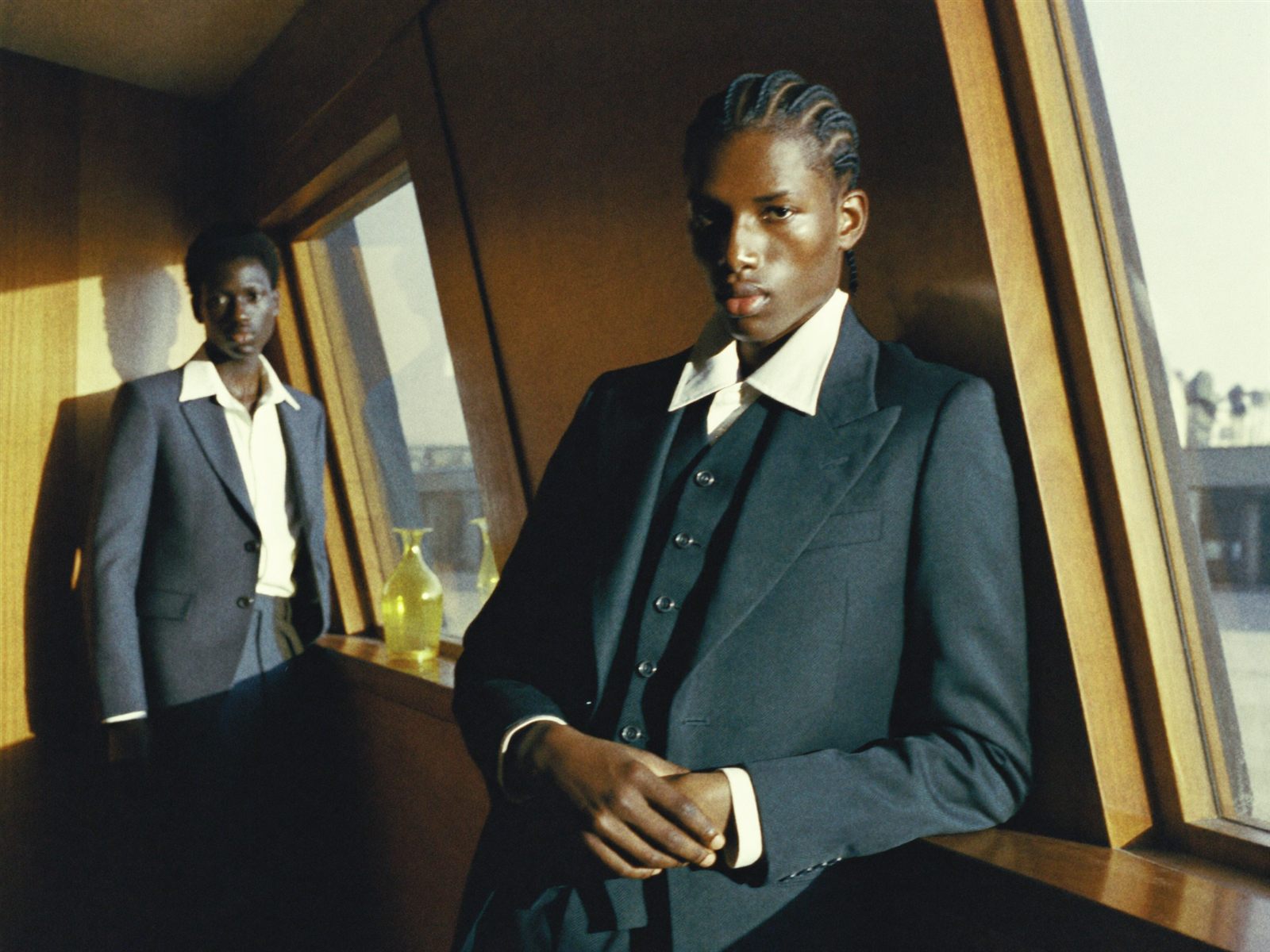
Read the negative like a lab. Waveform, parade and vectorscope, running live from the frame above.
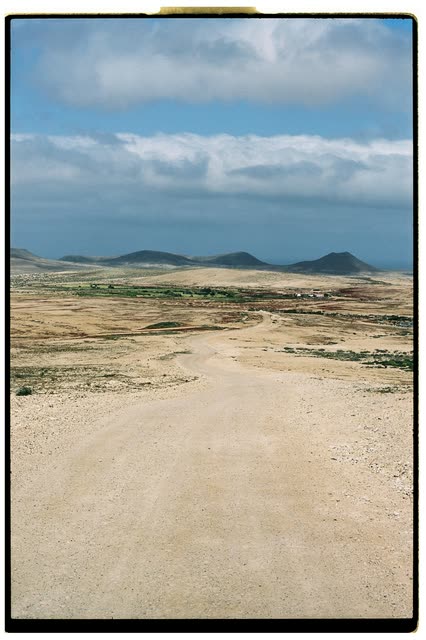
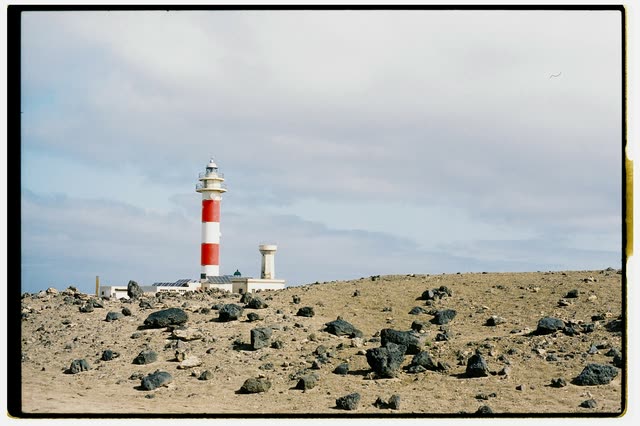
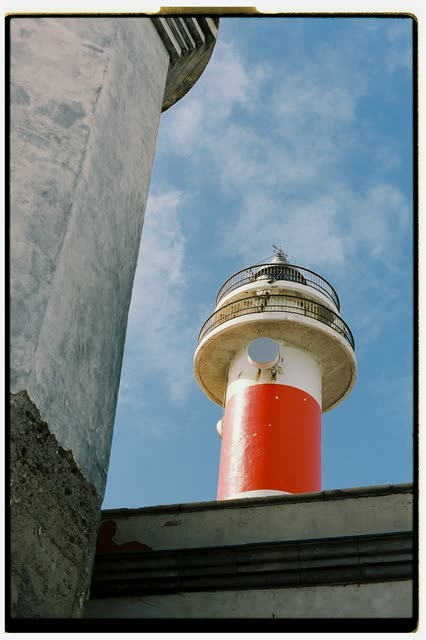
dawn, low sun,
long shadows
A moodboard before the shoot. Paste references from anywhere; the board pulls its palette and tidies itself.
Splitting the shoot by date.
Re-route files between any folder structures. Pick a key; it builds the tree and moves every frame.
Wed 7 Oct24 photos edited so far
Wedding selectsOn track
180 of 374 left · 20 a day · due 16 Oct
Lighthouse at dawnCall 05:45
PDF · PNG · .ics
A calendar that paces the edit. Shoots, call sheets and goals, measured on the photos themselves.
Grade like a colorist. Wheels, mixer, curves and Colour Unify.
Your lens, recognized and corrected. Over 1,500 lens profiles built in: the lens named in the photo’s EXIF has its measured distortion, colour fringing and vignetting corrected before the film goes on. One switch, or choose the lens yourself.
 RAW
RAW
 RAW
RAW RAW
RAW
 RAW
RAW
A real library, not just a develop module. Your folders are the catalog, so there is no catalog to corrupt.

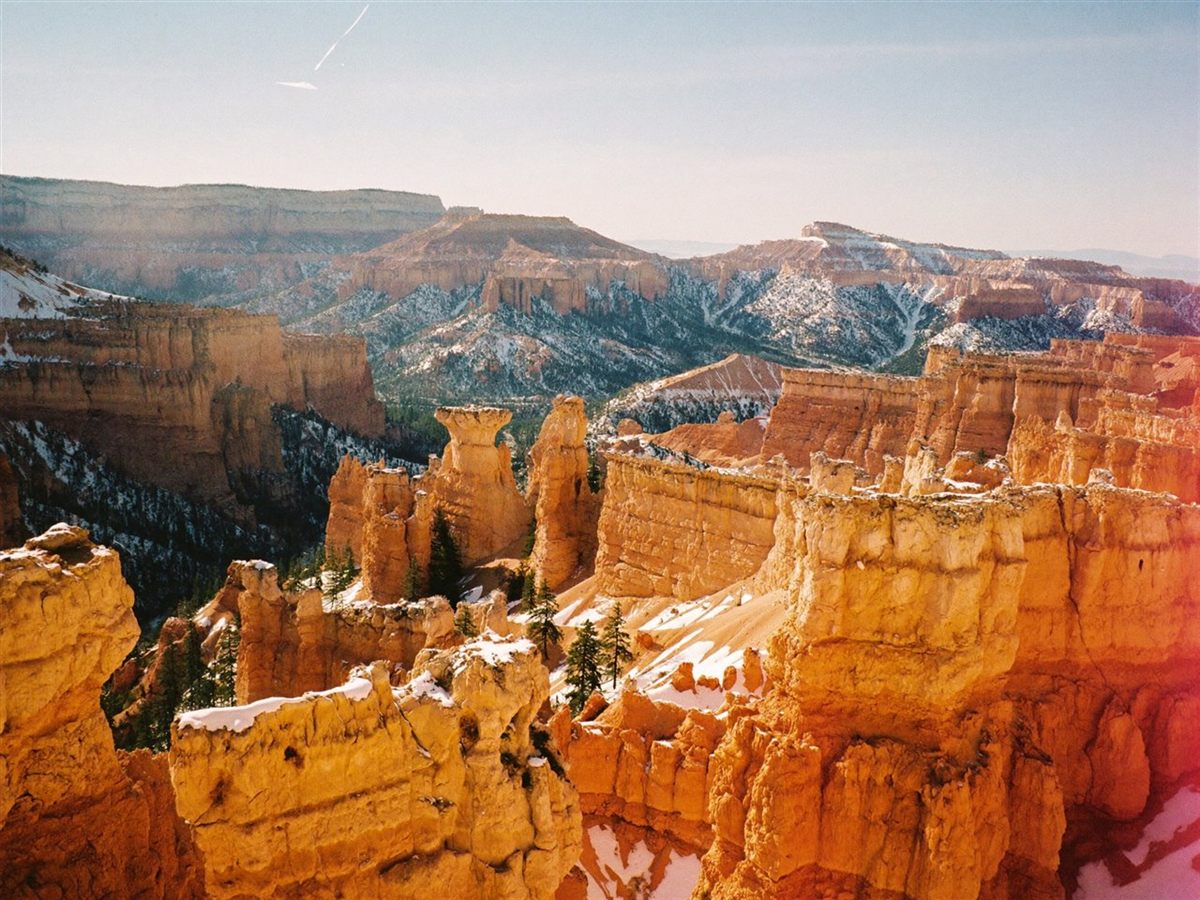
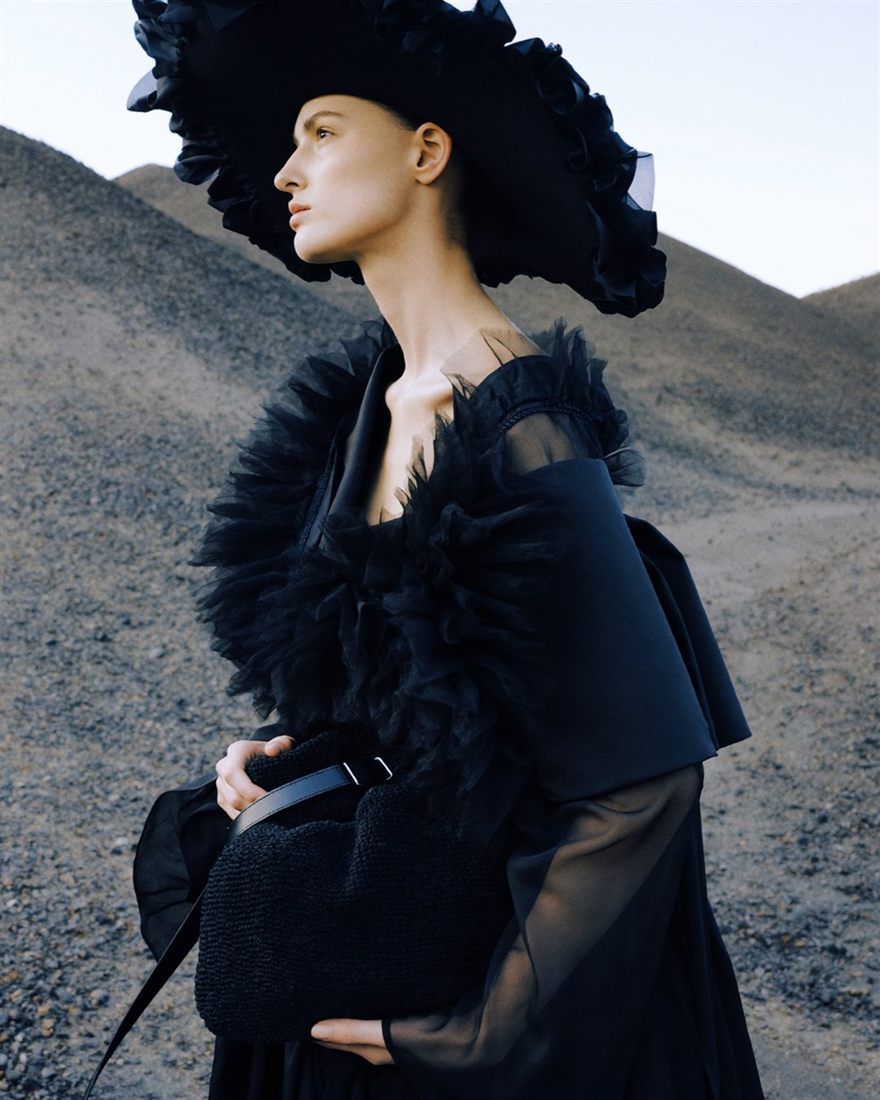
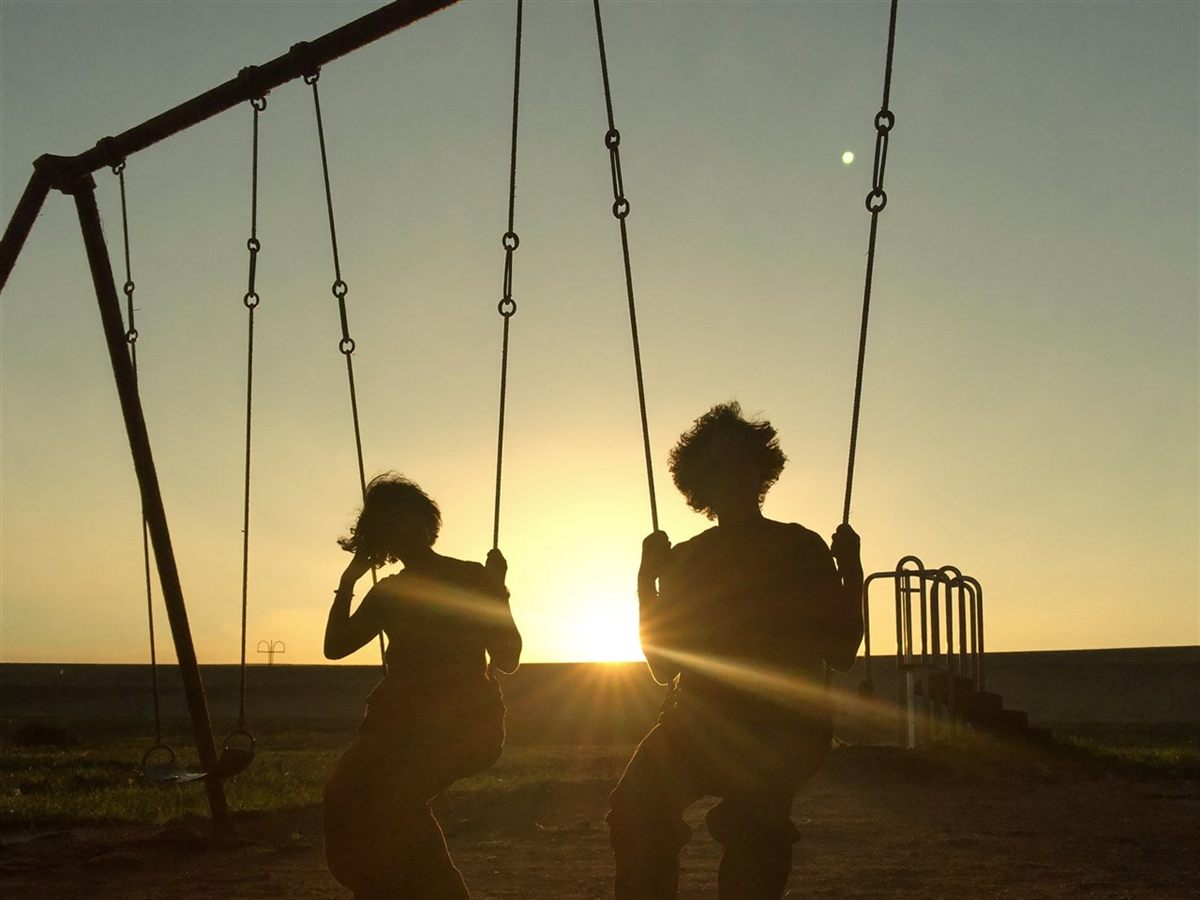
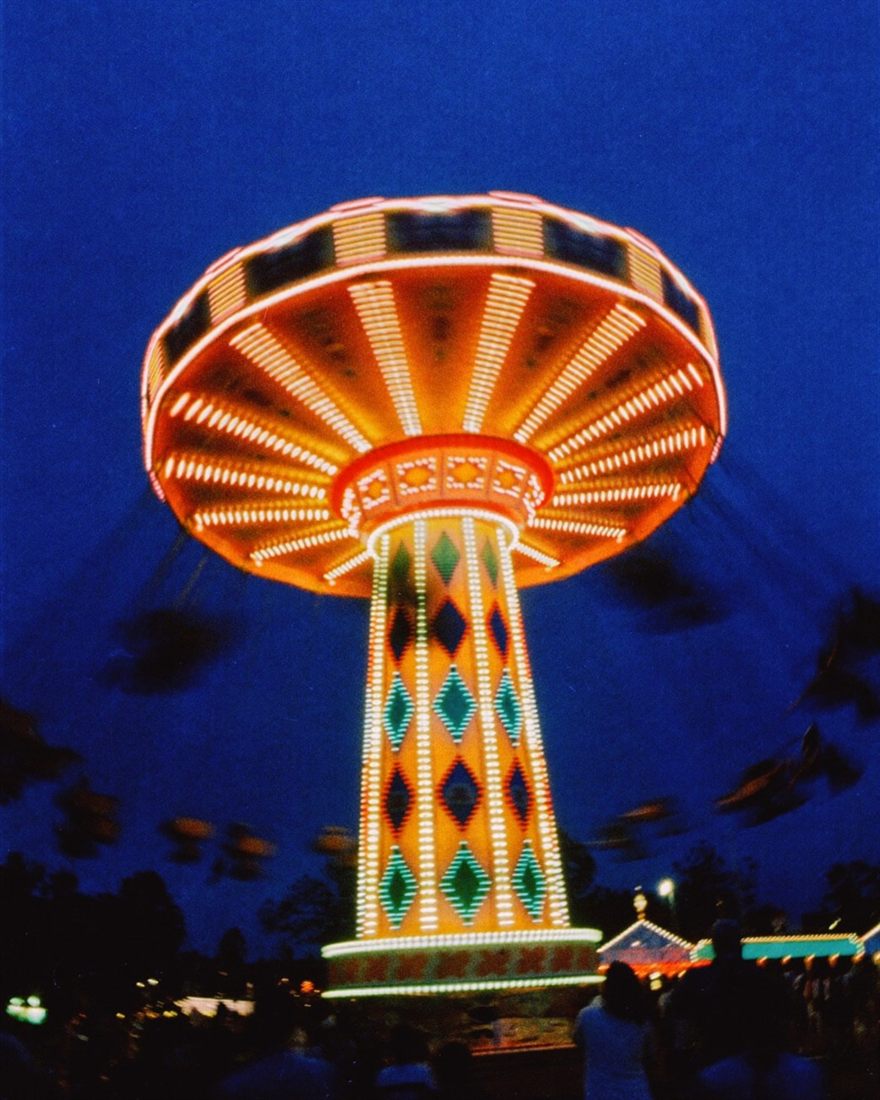
Leave with the post, not just the picture. Compose carousels, split panels and contact sheets straight from the roll, and every frame in the composite renders through its own edits.
Instant film
A real scanned instant border, with the dye diffusion of a finished print.
Pull it out


Retouch
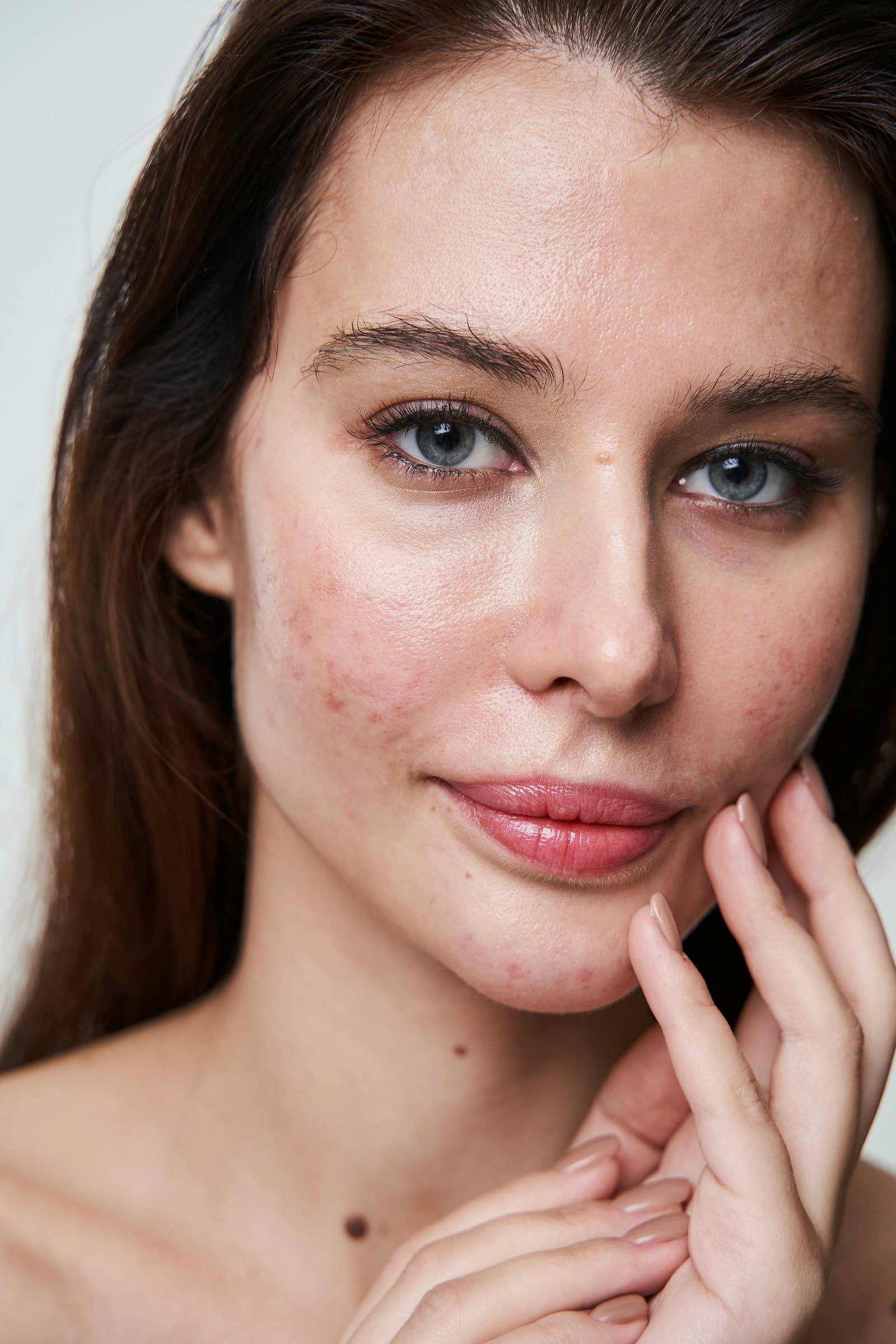
Portrait retouching that stays real: clear skin, lifted brows, brighter eyes and a new lip colour, with the texture of real skin kept.

Lightroom & Capture One
Your presets convert into native looks, and a photo can leave the catalog and come home developed.
Presets
Straight out of your presets panel. .xmp, .lrtemplate, .costyle, ICC or any .cube LUT, each becoming a native look with an amount dial.
A loop of the round trip: a photo leaves the catalog through the Edit With Chromogen menu, is developed in the Chromogen window, and Save and Return writes the same file back into the catalog. No copies are made.
A clean round trip. Edit With Chromogen hands over the file; Save & Return writes the same file straight back. No duplicates.
Finishing
Your photos deserve more than a folder of JPEGs. Chromogen finishes them for the feed, the photo book, the wall and the print, each built to the exact spec it will meet.

Preview the post exactly as Instagram will show it in the feed, grid, story or carousel, safe zones and all, then export a 1080 px sRGB JPEG.
Lay out a photo book in Book Studio and export the exact files your printer asks for: Blurb, Lulu, Saal Digital, Peecho, Prodigi, Printique, Mixbook, Shutterfly or Artifact Uprising.
Place your photo in mockups, from framed prints and posters to books, billboards, devices and CDs, or on a client's measured wall at its true size.
Export prints on real paper sizes at 300 ppi with crop marks, colour bars and a file label, as JPEG, TIFF, PNG or PDF. Never upscaled.
Watch it come alive
A flat photo comes out as film: real grain, real colour, the way the negative made them.
Pricing
One app, everything in it. Rent it by the month or the year, or own it outright and never pay again. Standing prices: $29 a month, $228 a year, or $498 once for a lifetime license with no subscription. One license works on Windows or macOS, one computer at a time.
Bought as seven apps
$108 / month
About $1,300 a year, every year
Each maker's own list price in September 2026, per month on its yearly plan. All seven rooms are in every Chromogen plan.
Monthly
$29 / month
Rent it month to month
Everything inside
Save 34%
Annual
$19 / month
Billed $228 a year
Everything inside
Lifetime
$498once
One payment · yours forever
Everything inside
Lifetime is a little over two years of the subscription, paid once, and after that every year is free. Just looking? Try it free first.
We grow together
Chromogen is independent. You write to the person who writes the code, what you ask for becomes the roadmap, and every update is free on every plan.
68releases since 1 July
7apps in one
1inbox, answered by a human
FAQ
Chromogen is a standalone film-emulation photo editor for Windows and macOS. It develops your photos the way film does: it reads your exposure and lays in a real film response (13 stocks measured from real film, with grain, halation and tone modeled on physics) instead of stacking filters on top of a JPEG. It works on 16-bit RAW and JPEG, needs no Lightroom underneath, and can be bought outright.
Four days with the real app on your own photos: full RAW developing, all 13 film stocks, and exports up to 2048px on the long edge. Premium stocks and looks carry a trial mark until you buy a license; the rest export clean. No credit card to start.
Your choice. You can subscribe monthly or yearly, or buy a lifetime license: one payment, and Chromogen is yours to keep forever, every future update free, usable on Windows or macOS, and no recurring charges. Lightroom and Capture One only rent you the software; here you can own it. The lifetime license is $498. The rent plans are $29 a month or $228 a year.
Your license works on either platform: the same key activates the Windows app and the macOS app, active on one computer at a time. Move it between your own machines freely; you just can't run two computers at once on one key. Need that? It's a second license. If you get stuck moving it, email us and we'll sort it out.
A preset drops a look onto a finished JPEG. Chromogen develops the actual file: a real film engine with physics-modeled grain, halation and tone, working on your full 16-bit RAW. It's the difference between a filter and a darkroom.
Try it free first, so you know before you buy. That is exactly what the trial is for. A license is a digital product delivered instantly, so all sales are final. If anything ever misbehaves, email us and a human will help you get it working.
Email us. Requests go straight to the person who writes the code, not a ticket queue, and they shape what gets built next. Chromogen updates often; take a look at the release notes to see what people have already asked for and got. We can't build everything, but you'll always hear back from a human.
Yes. Over 1,500 lens profiles are built in. Turn on Auto lens correction in the Lens card and the lens named in the photo’s EXIF has its measured distortion, colour fringing and vignetting corrected before the film goes on; if the photo names no lens, or names it differently, choose the lens from the list. Manual distortion and defringe sliders sit under the switch. Nothing already edited changes by itself: the switch is per photo, and Settings can turn it on for photos you open for the first time.
Yes. Set Chromogen as an external editor (Lightroom Classic's “Edit in / Additional External Editor”, or Capture One's “Open With”) and your photo opens straight in Chromogen, ready to develop. You can also just drag any file in. When you're done, export the developed image back out to your library.
Yes. The Instagram page previews a post the way the feed, grid, story or carousel will show it and exports a 1080 px sRGB JPEG. Book Studio lays out a photo book and exports the exact files Blurb, Lulu, Saal Digital, Peecho, Prodigi, Printique, Mixbook, Shutterfly or Artifact Uprising ask for. Mockups place a photo in framed prints, posters, books, billboards, devices and CDs, or on a client's measured wall at its true size, and print export sets real paper sizes at 300 ppi with crop marks and colour bars.
No, JPEGs work fine. But RAW gets the most out of it: Chromogen develops the full 16-bit file, so your highlight and shadow latitude survives instead of being baked away.
Never. Editing is non-destructive: your adjustments are saved in a small sidecar file beside each photo, and the original is left untouched.
Chromogen edits your photos locally, so your images aren't sent to us. Two exceptions: licensing is checked online when the app launches, and the optional AI assistant, if you turn it on with your own API key, sends the current preview to the AI provider you choose.
Free to try · Windows & macOS
Not sold on owning it yet? Take the free four days and let your own photos decide.
Free 4-day trial · RAW included · exports to 2048px · all 13 film stocks · no credit card


